Post-production
The DIT and data wrangler workflow
Card backup, color, and the safety net that keeps a shoot from disappearing
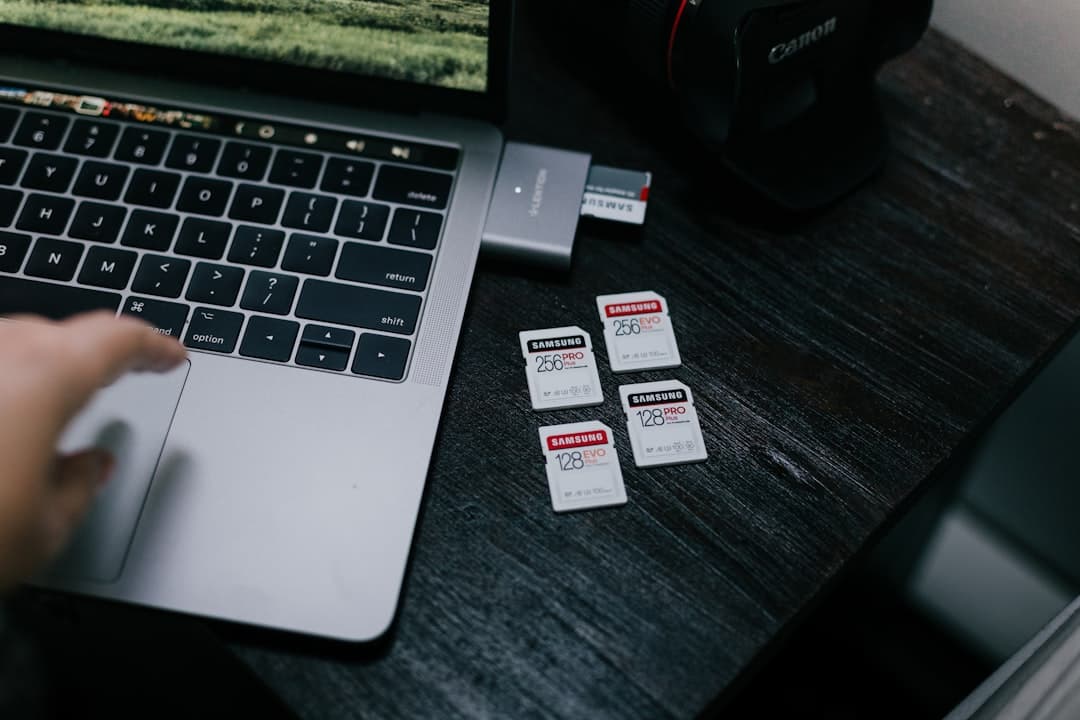
Photo by Samsung Memory on Unsplash
The role that didn't exist 20 years ago
Film productions used to be simpler. The camera shot to a magazine of film stock. The exposed magazine got sent to the lab. The lab developed, telecined, and produced dailies. Nothing was at risk of accidental deletion.
Digital changed that. Modern cinema cameras record to SD, CFexpress, or proprietary media (Codex, Sony AXS, RED Mini-Mag). The data lives on cards that fit in your pocket. A 256GB card holds 30+ minutes of high-bitrate footage. Lose it and you lose the scene.
The Digital Imaging Technician (DIT) is the person who makes sure that doesn't happen — and who handles the cascade of related modern responsibilities: dailies, codec conformance, color monitoring, hash verification, drive backups. It's part technician, part insurance policy.
On bigger productions, this is a dedicated role. On smaller productions, the DP or 1st AC does some of the job — but understanding it is non-negotiable for anyone running a camera.
What can go wrong
The fear lives in the small possibilities:
- Card corruption. Files become unreadable. The card reader spits out errors.
- Accidental delete. Someone formats a card before the data was offloaded.
- Drive failure. The backup drive itself fails before the footage gets to the second backup.
- Single point of failure. Only one copy of the footage exists, somewhere.
- Mislabeled media. A card from yesterday gets reused, overwriting today's footage.
Any of these = a scene reshoot at minimum. At worst, a key actor's performance is gone and can't be recaptured.
The DIT's workflow is built to make every one of these failures harmless — not impossible, but harmless, because the workflow has redundancy.
The 3-2-1 rule
The industry standard for footage safety:
- 3 copies of the data
- on 2 different physical media types (or 2 different drives at minimum)
- with 1 copy off-site (or off-set)
Day-of-shoot, the chain typically looks like:
- Card (in camera)
- Drive A (DIT's primary RAID or fast SSD)
- Drive B (mirror RAID or duplicate SSD)
- End of day: Drive B (or a clone) leaves the set with the producer or in a separate vehicle
This way, no single point of failure can destroy a day's work. If the DIT's cart catches fire, the data exists. If the producer's car is stolen overnight, the data exists.
The offload workflow
When a card is ejected from camera, the DIT receives it and begins offload. Steps:
1. Label the card. Many cards arrive with no identifier; the DIT applies a tape label with project, date, and scene info before doing anything else. Cards in transit are never unlabeled.
2. Insert into reader. A high-quality card reader (CFexpress, SD UHS-II, or proprietary). Cheap readers cause issues.
3. Run an offload application. Industry tools include Silverstack (Pomfort), ShotPut Pro (Imagine Products), or YoYotta for Mac. Open source: Hedge (free tier exists). The tool:
- Copies the card to both Drive A and Drive B simultaneously
- Computes a checksum (typically xxHash, SHA-1, or MD5) on the source card
- Computes the same checksum on each destination after copy
- Verifies they match — confirming the data is identical
This is hash verification. Without it, you only know that a copy happened — not that it's intact. With it, you have mathematical proof the data wasn't corrupted in transit.
4. After verification. Only after both drive copies are hash-verified is the card considered safe to clear. The DIT may put the card in a "downloaded" bin, or hand it back to the 2nd AC for reuse (a process called "stripping" — formatting the card in-camera so it's ready to roll again).
5. Card never reformatted on the computer. Always format in the camera that will use it. Computer-formatted cards sometimes have file system issues that cause real-time write errors during recording.
The "always two copies" discipline
A subtle but critical detail: during the offload, the card is ONE copy. Drive A is two copies. Drive B is three. You only clear the card after Drive B is verified.
That means the workflow has a moment where data exists in two places (card + Drive A) and is in the process of becoming three. If Drive A fails during the copy to Drive B, you still have the card. If the card fails between offload and clear, you still have Drive A. Three independent things would have to fail simultaneously to lose data.
This is the safety net the DIT builds.
Dailies and look management
Beyond data safety, the DIT often manages look on set. The flow:
1. The DP and director agree on a look — generally captured as a LUT (Look-Up Table), a color transformation that takes the camera's log footage and shows the intended graded image.
2. The DIT loads the LUT into the on-set monitor (or applies it via a video transform device like a Teradek, AJA, or Blackmagic device). The director sees a colorized image instead of the flat log image.
3. The DIT also loads the LUT into the editor's dailies workflow. Daily editorial sees a colorized image consistent with the director's intent.
4. The DIT can adjust the LUT during the shoot if the look needs to shift between scenes.
Some productions also use on-set look adjustment — a tool like Pomfort LiveGrade or DaVinci Resolve Live where the DIT applies CDLs (Color Decision Lists — basic primary color adjustments) to specific scenes. The CDLs get carried into the post pipeline so colorists start with the on-set look as a baseline.
Codec and conform considerations
A cinema camera may record in:
- Raw codec (ARRIRAW, REDCODE, Sony X-OCN) — highest quality, biggest files
- High-quality compressed (Apple ProRes 4444 XQ, DNxHR 444, X-Raw, S-Log/V-Log compressed)
- Editorial proxies (lower-resolution, low-bitrate copies for editors to cut with)
The DIT may:
- Transcode raw footage to ProRes proxies on the fly (for the editor)
- Reconfigure storage to handle the throughput
- Manage multiple recording formats (e.g. internal ProRes + external RAW)
- Audit each clip for codec, frame rate, audio sync
This is essential because post-production starts with whatever the DIT hands off. A bad delivery package = days of cleanup in editorial.
The DIT cart
A DIT's workstation includes:
- A rack of computers (or one fast computer) with multiple card readers
- RAID drives or fast SSDs for working storage
- Travel drives for end-of-day backups
- A monitor showing the camera feed (often LUT-applied)
- A scope (waveform, vector) for technical color reference
- An audio monitor to verify audio sync
- Climate control and shock-resistant transport cases
Bigger productions have a full DIT trailer; smaller productions might have a folding table with a laptop, a single RAID, and a card reader. The job is the same; the gear scales.
End-of-day deliverables
Before the DIT leaves set, they deliver to the producer (or editor) a package:
- Verified backup drive with the day's footage
- Camera reports — logs of every clip, lens, scene, and take from the day
- Sound reports — same for audio (often handled by the sound mixer, but the DIT integrates)
- Daily LUT or color note so editorial sees the intended look
- Card return list — which cards were used, formatted, and returned to inventory
A clean end-of-day handoff means editorial can start cutting tomorrow morning without questions.
When things go wrong (and they do)
Even with the best workflow, things happen. The DIT's job includes:
- Recovering corrupted cards. Specialized software (DiskWarrior, ProMaxx, R-Studio) sometimes saves files from damaged media.
- Identifying mismatched timecode or audio. Catching it on the day, not a week later.
- Re-syncing audio when the camera lost sync. PluralEyes, Resolve's auto-sync, or manual waveform alignment.
- Flagging exposure issues to the DP. "You were 1.5 stops hot on take 4."
- Tracking inventory. How much footage is on each drive, how much storage remains.
Most "saved the day" stories on a working set involve a DIT noticing something everyone else missed.
Career path
DITs typically come from one of two backgrounds:
1. Post-production. Editors, colorists, or post supervisors who add on-set experience. They understand what editorial needs.
2. Camera department. 2nd ACs who specialize in data and color rather than focus pulling. They understand the camera systems deeply.
The role pays well — major-market day rates of $750-$1,500 are typical, with senior DITs commanding more — and is essential on any cinema-budget production. As cameras get more complex and data volumes grow, the role's importance grows with it.
Common mistakes
- No hash verification. "I copied the file, it must be fine." It isn't. Always verify.
- Single backup. Cards are not backups; one offload to one drive isn't enough. Always 3-2-1.
- Cleaning a card before the second copy is verified. Easy to do under pressure. Don't.
- Formatting cards on the computer instead of in-camera. File system issues follow.
- Not labeling cards. Cards get mixed up at offloads. Label everything.
- Forgetting the LUT. Director sees flat log, hates the footage, you have an unhappy day.
- Letting drives bake in the sun. Hard drives don't like heat. Climate-control the cart.
What to practice this week
If you have any digital camera with removable media, simulate a DIT workflow:
- Shoot a "scene" — 5 minutes of footage on a single card
- Install Hedge (free) or a similar tool with checksum verification
- Set up two destination drives (an external SSD + your computer's drive is fine)
- Run the offload with hash verification enabled
- Watch the tool compute checksums on the source and verify against destinations
You'll see exactly how a "verified copy" works and why it matters. Try corrupting one of the destination files (delete a few bytes manually) and re-verify — the tool will catch it.
This single discipline — verified copies, multiple destinations — is the foundation of every working DIT's job. Internalize it on small projects and you'll never lose footage again.
More lessons
Browse all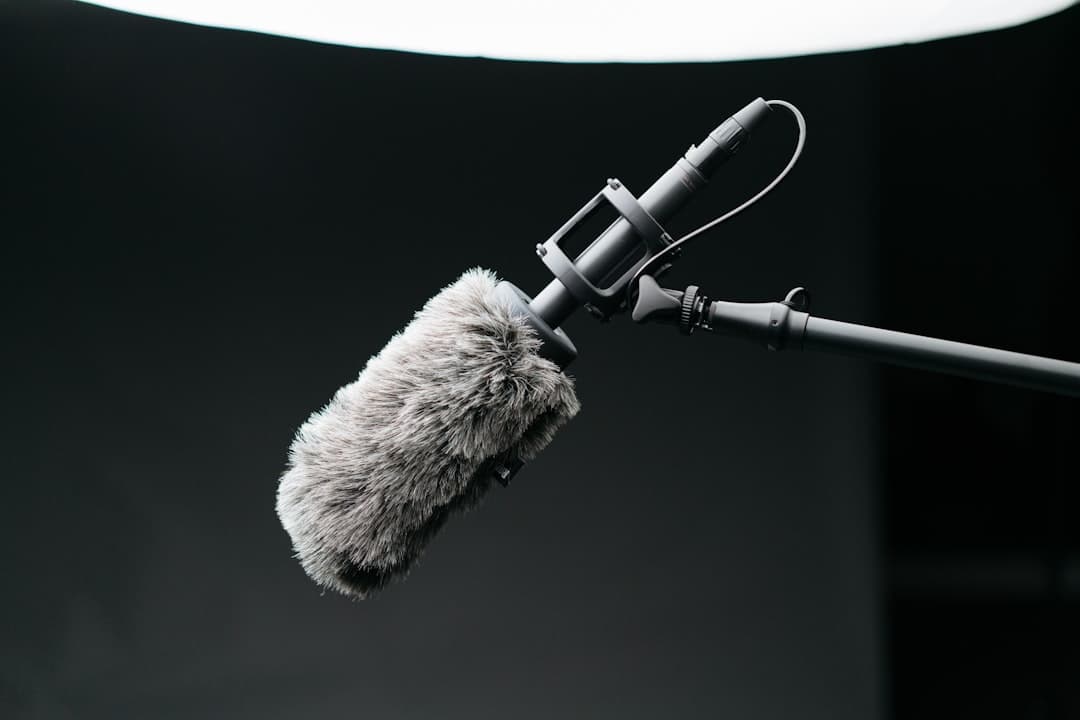
Audio
Audio fundamentals for video
Why bad audio kills good footage — and how to capture clean sound on a small crew
Audio
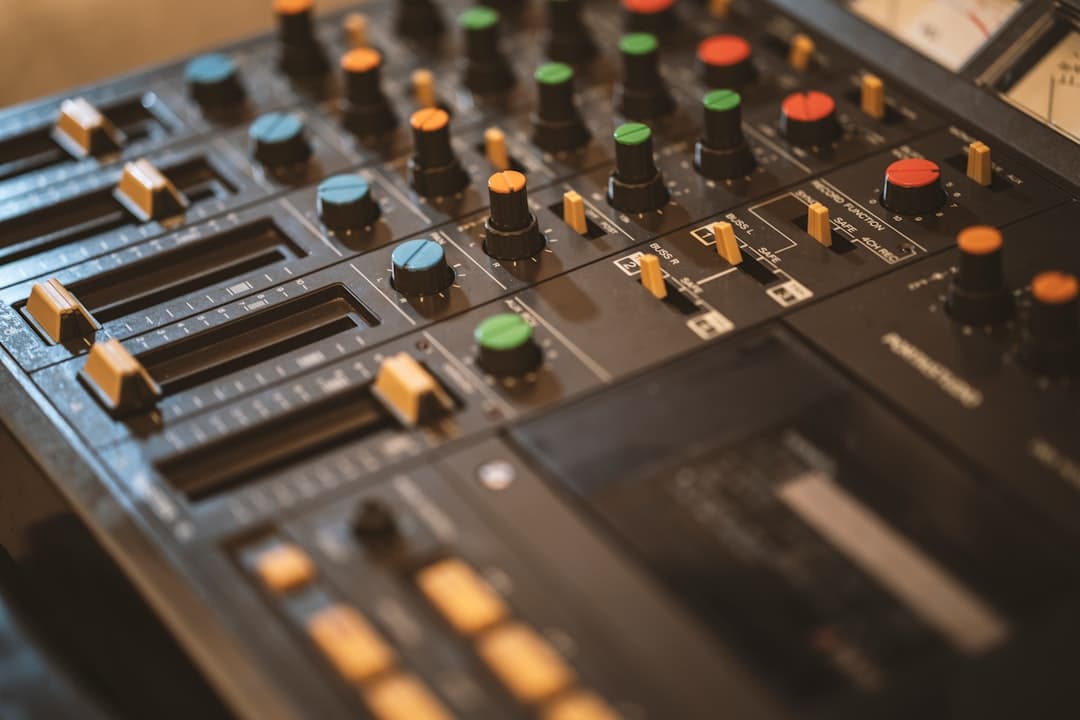
Multi-track audio workflow for narrative
Capturing lavs, boom, ambience, and timecode reference cleanly on a multi-input recorder
Business & freelance
Showcasing your work online
A reel that gets calls back, a portfolio site that works, and the basics of being findable
Found this useful?
Bookmark BOLD University and share it with someone learning the craft. New lessons go up regularly.
Back to University